Listening area
Use your current location or choose another area manually, with the radius kept visible and easy to change.
Modern APRS exploration for iPhone and iPad
See live amateur radio activity on a clear map, understand the stations you discover, and follow movement as new APRS reports arrive.
Also available on Apple silicon Macs and Apple Vision Pro as Designed for iPad.
Receive-only by default. APRS messaging is optional and requires configuration.
Explore, understand, discover, follow
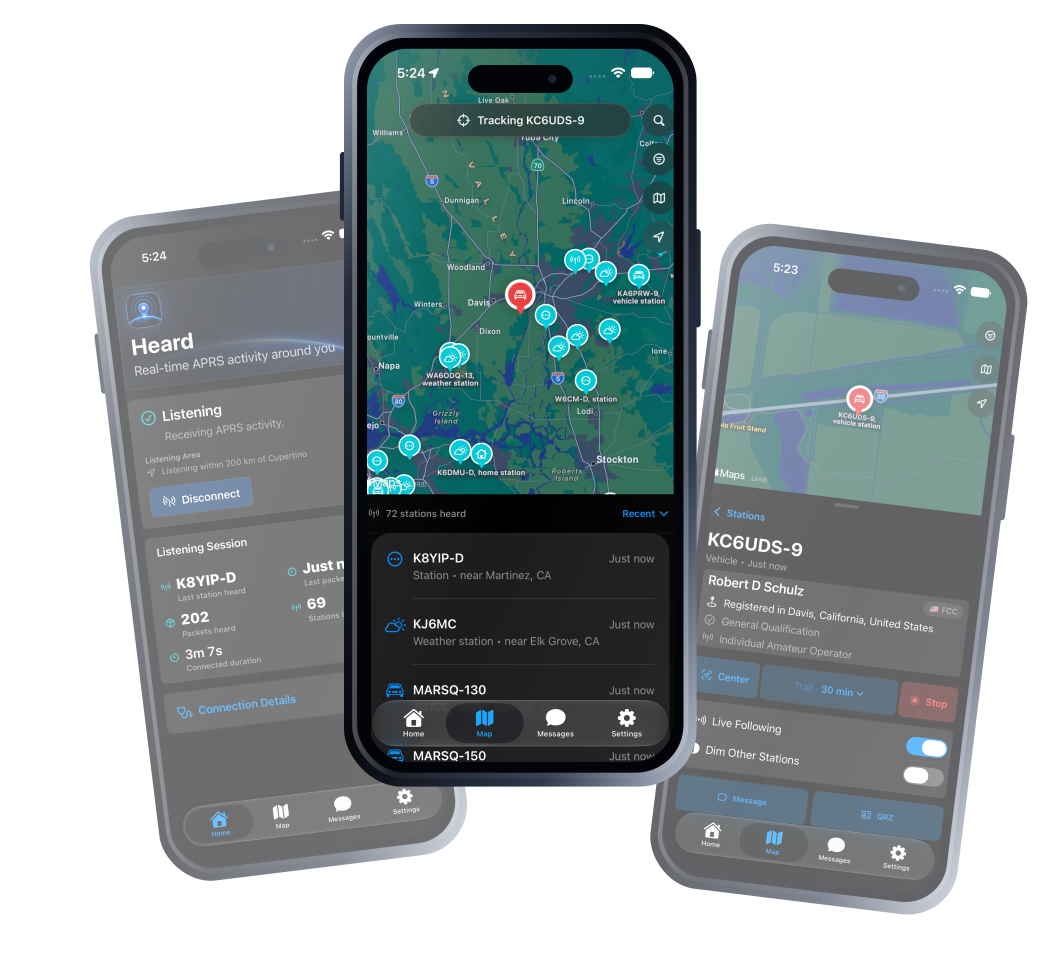
Heard turns APRS packets into a clear view of the stations, movement, identities, and local activity happening around you.
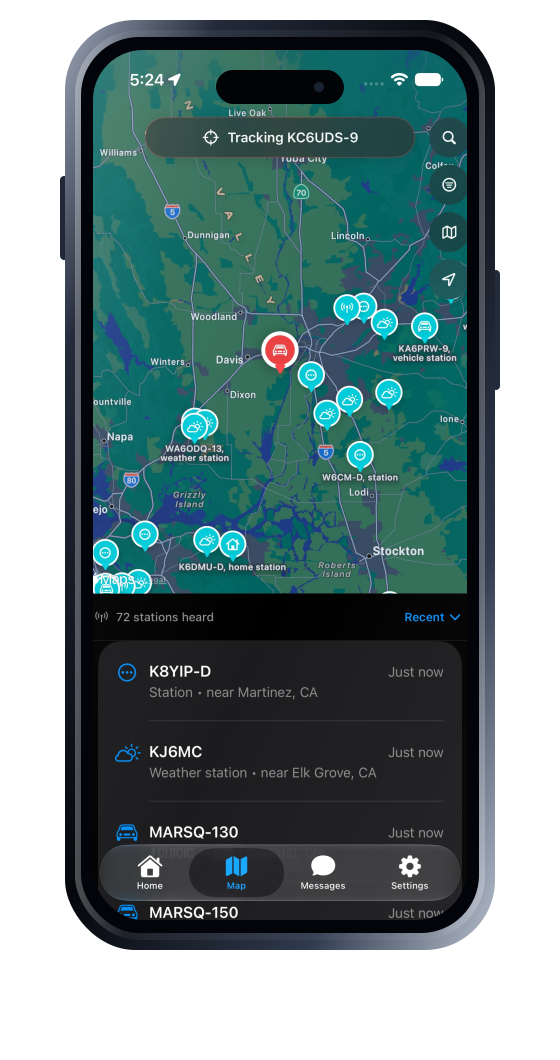
Start with a rich, interactive Apple map populated by station-aware symbols. Sort recent activity, browse a clear station list, and move naturally between the map and station details. On iPad, view the map and station list or details side by side in wider layouts.
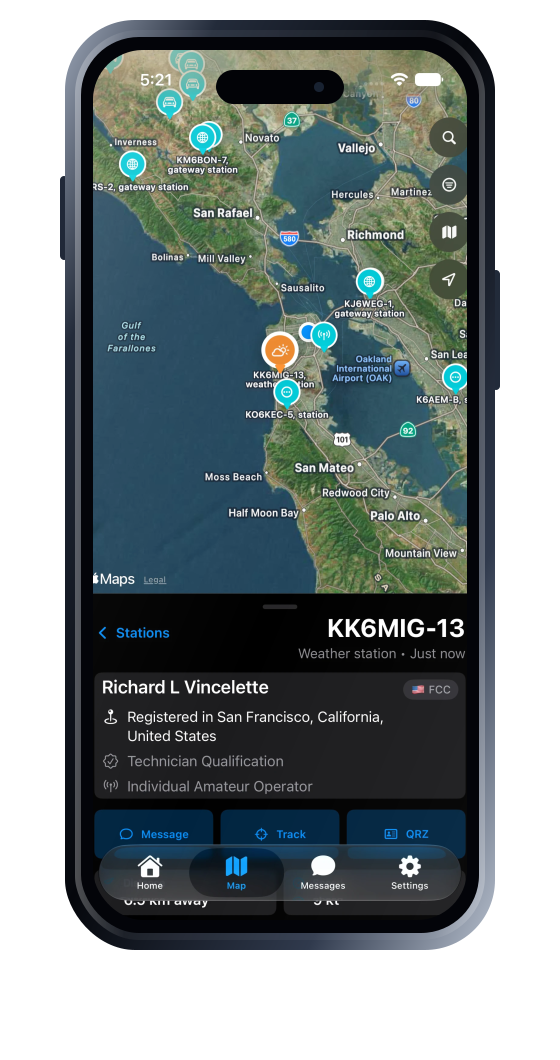
Open a station to see what was heard, when it was heard, and the useful information carried in its APRS report. Heard keeps raw packets and technical information in an expandable Technical Details section while making the common questions easy to answer.
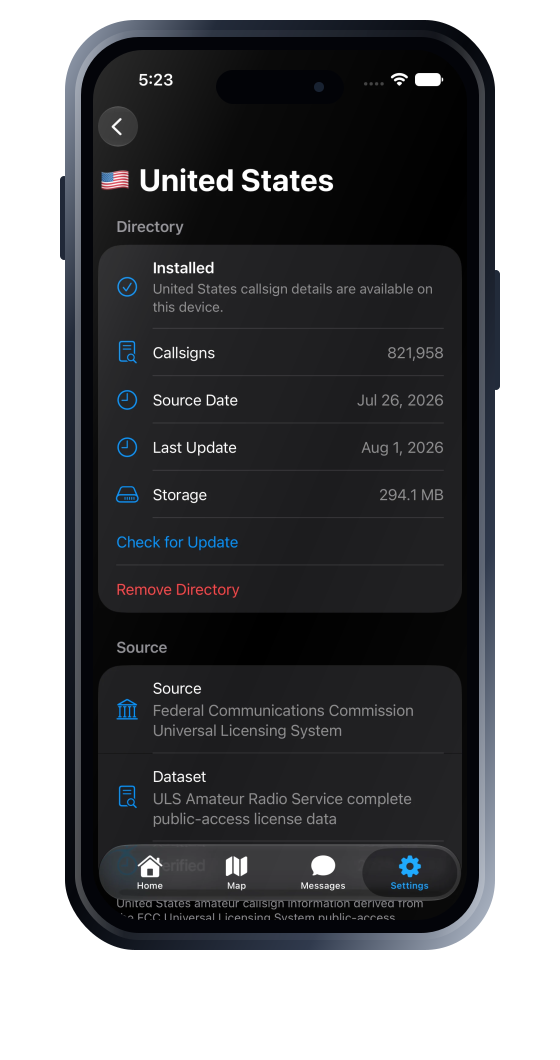
Install the local directories you need, then add operator and licence context to stations and callsign searches without sending every lookup to a remote service.
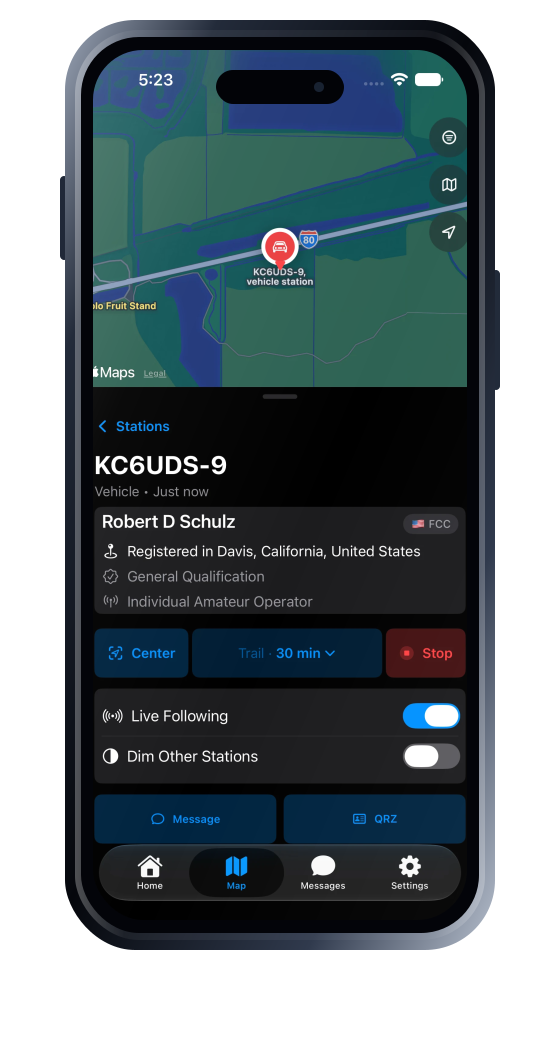
Choose a moving station and keep it in view as new reports arrive. Heard can preserve your zoom, draw a breadcrumb trail, and reduce the visual weight of everything else.
The essentials, thoughtfully handled
Use your current location or choose another area manually, with the radius kept visible and easy to change.
Search stations already heard and, when a directory is installed, find records that have not appeared live yet.
Send and receive APRS messages in conversation-style threads after configuring messaging. Heard starts as a receive-only listener; APRS messages are public.
See the last station, last packet, packet count, station count, and connected duration at a glance.
Raw packet details and connection information remain available without overwhelming the primary experience.
Native layouts adapt to iPad rotation and window resizing, with the map and station details side by side when space allows. The iPad app is also available on Apple silicon Macs and Apple Vision Pro.
Privacy in plain language
Location access is optional. Directory records are queried locally after download. Heard does not include advertising or third-party tracking SDKs.
Real screens from Heard
These iPhone screens show Heard’s map, station details, callsign directories, tracking tools, and settings. Heard also includes native iPad layouts.
App Store release
Download Heard free from the App Store for iPhone and iPad, or use the iPad app on Apple silicon Macs and Apple Vision Pro.
Requires iOS 17 or iPadOS 17 or later. Mac requires Apple silicon and macOS 14 or later. Mac and Apple Vision Pro availability is Designed for iPad.